World Sketching
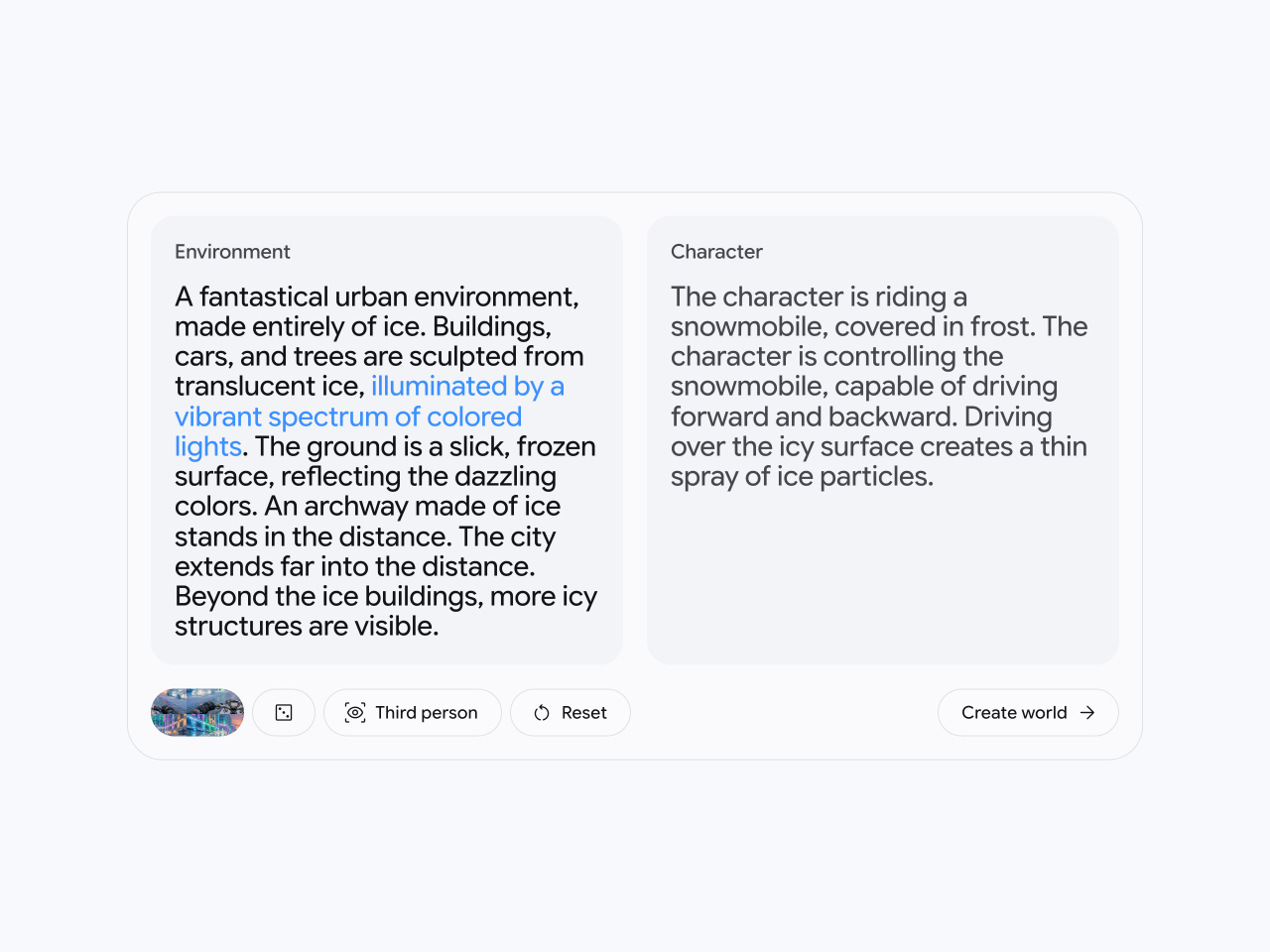
Describe your character and environment and preview what it will look like with an image preview made by Nano Banana Pro. Modify your prompts to fine tune your world before entering.

Describe your character and environment and preview what it will look like with an image preview made by Nano Banana Pro. Modify your prompts to fine tune your world before entering.
Choose an image and add it to Project Genie to explore a world from a reference of your choosing.
Take a world you've previously created or one from the gallery and adjust the environment or character for a new kind of world.

Describe the landscape you want to explore – from realistic to fantastic, cartoony to cinematic.

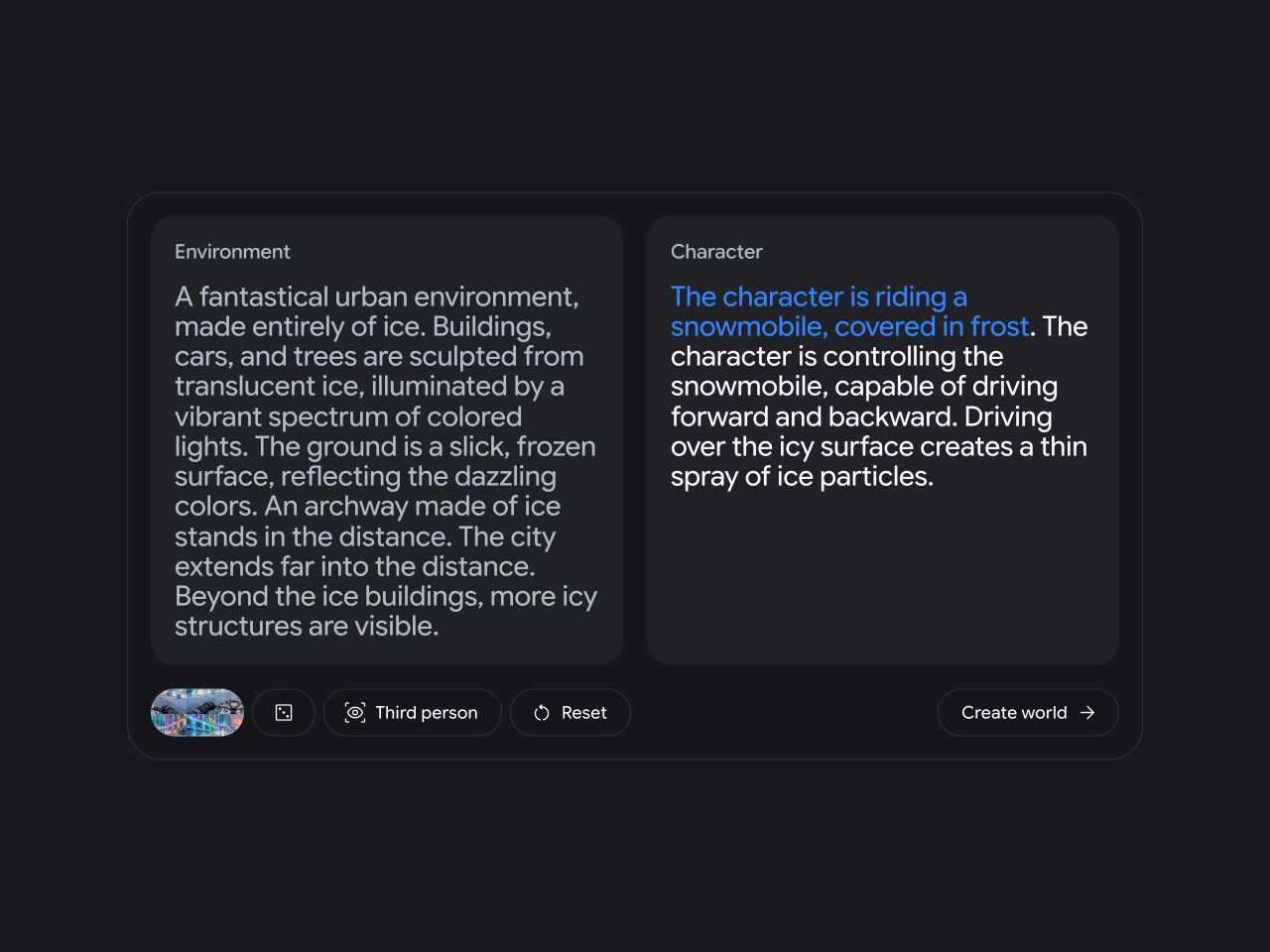
Describe your character – a person, animal, object or something totally different. Explain how to direct it through your world – from walking to jumping, driving to flying.

Based on the environment and character prompts, Nano Banana Pro will generate an image preview of your world. Modify the image until it looks like the world you want to enter. You can also upload an image of your own.
Keep your descriptions to-the-point. Short declarative sentences work well.


Describe the way the environment and character feel to evoke the mood you want. Is the environment dimly lit with mysterious smoke on the ground? Does the character walk as if floating like a feather? Using game-like language can help build richer environments with more precise character control.
Use the Google Gemini app to rewrite, expand, and elaborate your descriptions.


For text-only prompts, your image preview will inform the look of your world. Check it looks true to your idea, before you enter your world.
Uploading a high-quality image will yield the best results. Place your character in the center of the frame.


Click the perspective button to switch between a first-person and third-person view of the world. In third person, you’ll see your character. In first person, you’ll see the world through the eyes of your character.
Project Genie is an experimental research prototype that lets you create and explore infinitely diverse worlds.