

Live voice agents
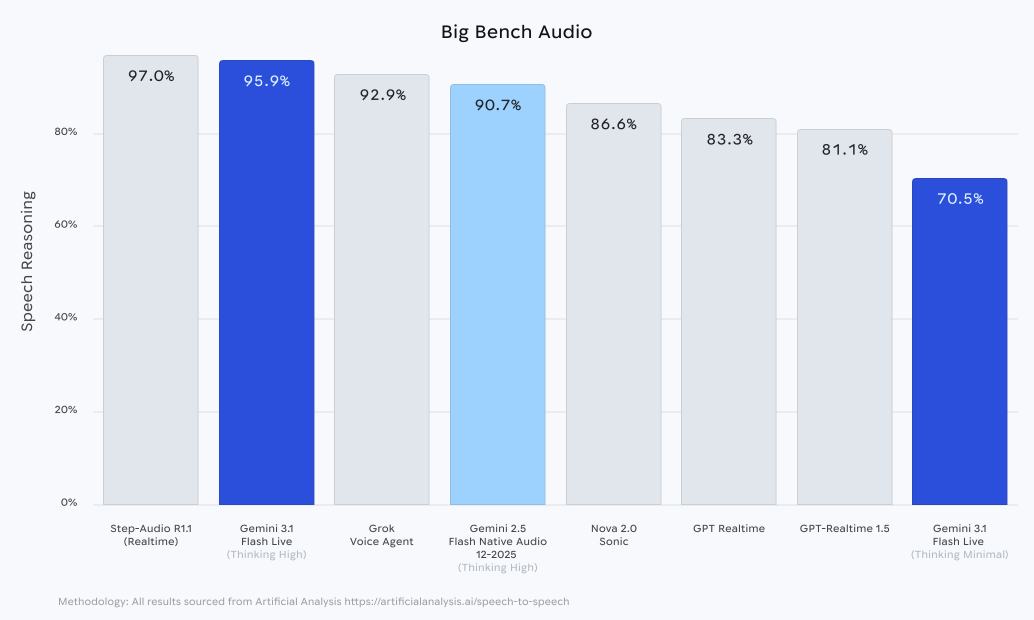
Build natural-sounding voice agents capable of managing complex workflows, even in noisy real-world conditions.
Advanced real-time audio models, built on Gemini
Build natural-sounding voice agents capable of managing complex workflows, even in noisy real-world conditions.
Craft anything from short snippets to long-form narratives, with granular control over style, tone, and performance.
Create direct translations that preserve speech characteristics like the intonation, pacing and pitch of the original speaker with Gemini’s speech-to-speech translation capabilities.
Summarize events, extract specific data, and get an outline of context, directly from your audio files with Gemini’s audio understanding.
A growing family of audio models that’s empowering users, developers, and enterprises.
Build natural-sounding voice agents capable of managing complex workflows, even in noisy real-world conditions.
Craft anything from short snippets to long-form narratives, with granular control over style, tone, and performance.
Create direct translations that preserve speech characteristics like the intonation, pacing and pitch of the original speaker with Gemini’s speech-to-speech translation capabilities.
Summarize events, extract specific data, and get an outline of context, directly from your audio files with Gemini’s audio understanding.
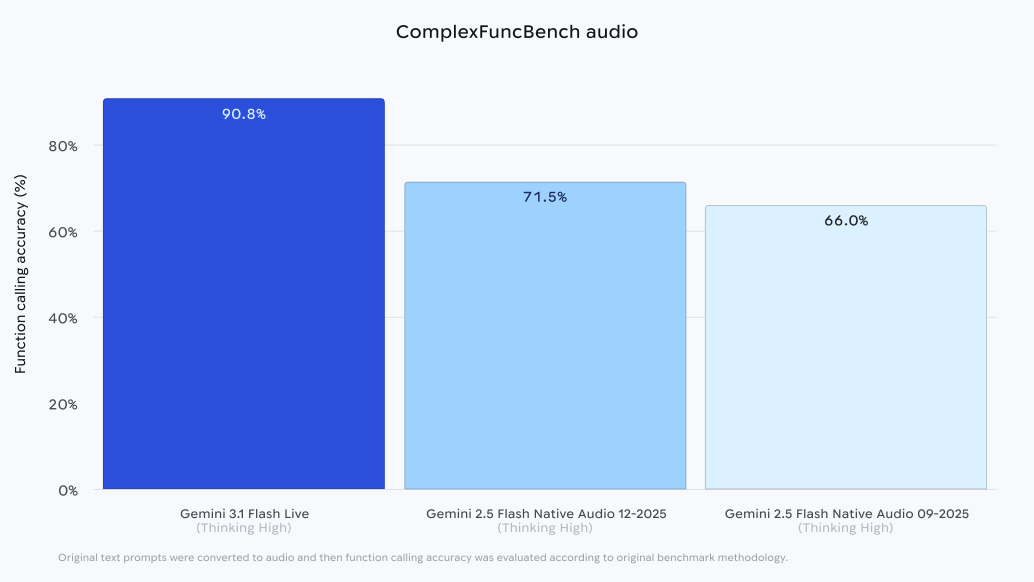
Uses tools and calls other functions from chat. That means agents can use real-time information from sources like Google Search, or even custom developer-built tools, making conversations more practical.
Knows the difference between direct engagement and background chatter. It understands the rhythm of your speech, knowing precisely when to respond—and when to stay silent.
Maintains specific personas and guidelines throughout long interactions. Even in complex, winding conversations, the model can stay on track – and in character.
Handles complex alphanumeric data – like flight codes or pricing – to a high degree of accuracy and reliability.











Bring text to life with expressive readings. Request specific emotions, accents, or styles to match your creative vision.


Generate engaging two-person conversations from a single text input. Create podcasts, interviews, or interactive scenarios with distinct character voices.
Gemini’s world knowledge, multilingual capabilities combined with its native audio capabilities allow it to translate speech in over 70 languages and 2000 language pairs.
Preserves the original speakers' intonation, pacing and pitch, adding depth that conveys not just what is said, but how something is spoken.
Understands multiple languages simultaneously in a single session, to help you follow multilingual conversations without changing any settings.
Identifies the languages being spoken and starts translating – so you don’t need to figure it out yourself.
Filters out ambient noise so you can hold a conversation comfortably – even in loud, outdoor environments.
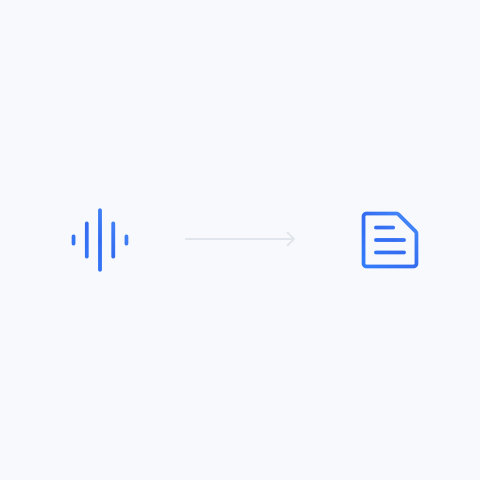
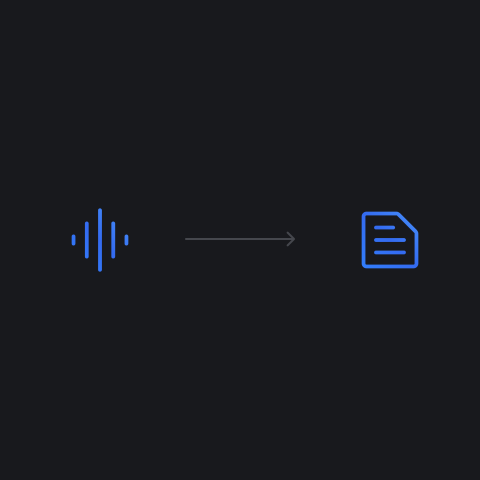
Transform unstructured audio – like voice notes, support calls, or lectures – into clean, actionable formatted text like JSON, summaries, or lists of actions.
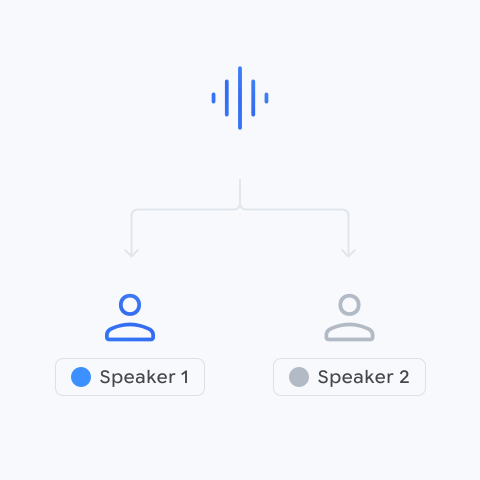
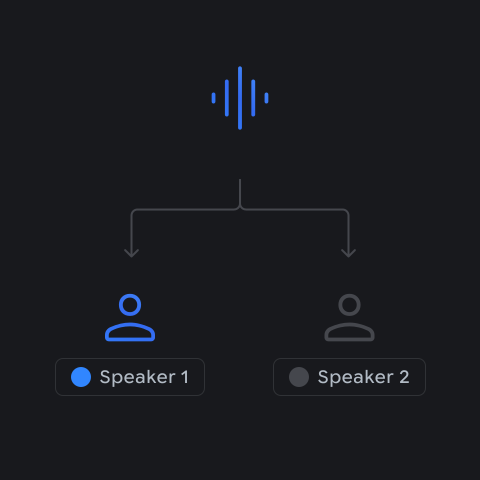
Accurately distinguish and label multiple speakers within a single transcript. Ensuring clarity and correct attribution in interviews, panels, or meetings.
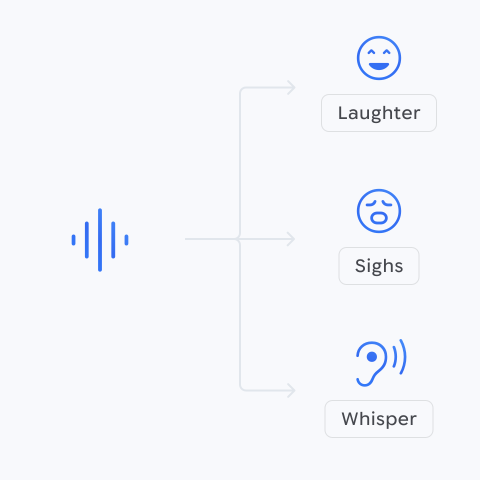
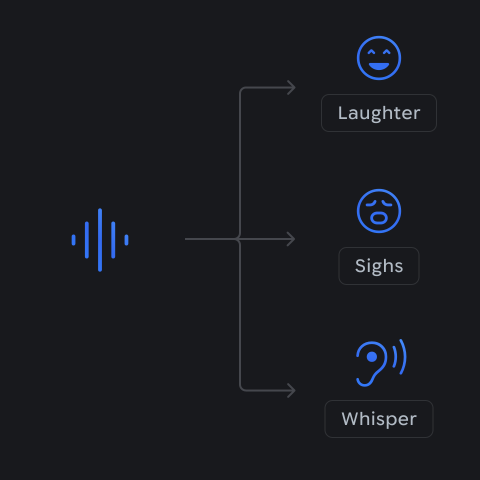
Capture more than simple words. Gather the sentiment, style of speaking, and all the bits that make speaking human – like laughter.
We’ve proactively assessed potential risks during every stage of the development process for these native audio features, using what we’ve learned to inform our mitigation strategies. We validate these measures through rigorous internal and external safety evaluations, including comprehensive red teaming for responsible deployment.
All audio outputs from our models are marked with SynthID, our advanced watermarking technology, allowing you to detect whether an audio track has been created or edited using Google AI.


The fastest path from prompt to production
Get started with cutting-edge AI models
Low-latency, real-time voice and video interactions with Gemini